EcomLit guide
Choose how customers receive their orders.
Steps
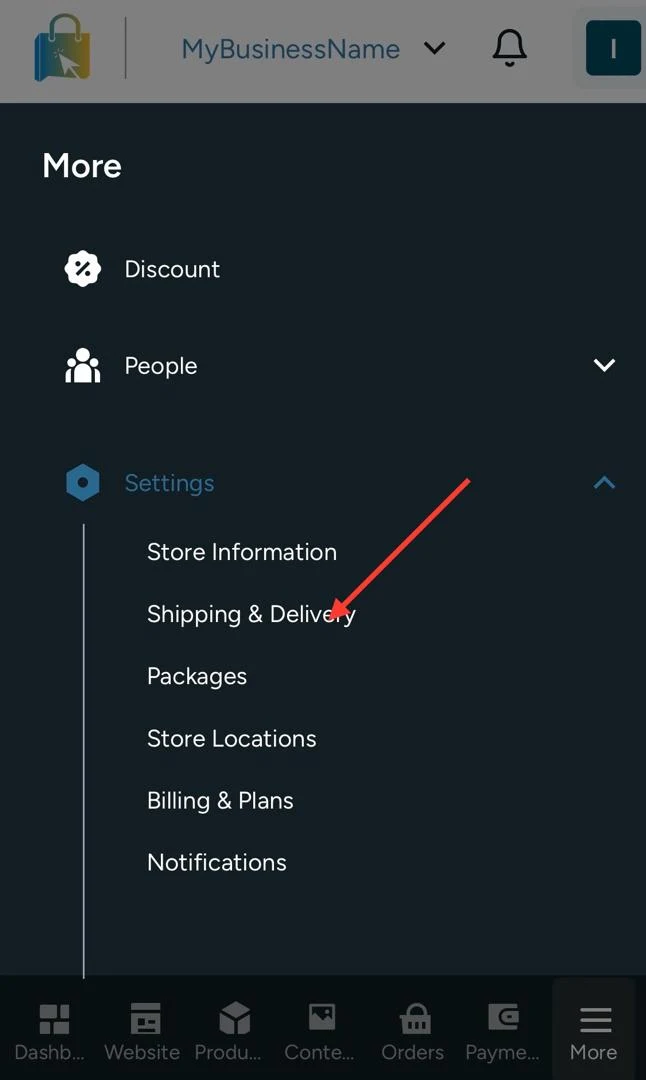
Open Settings → Shipping & Delivery.
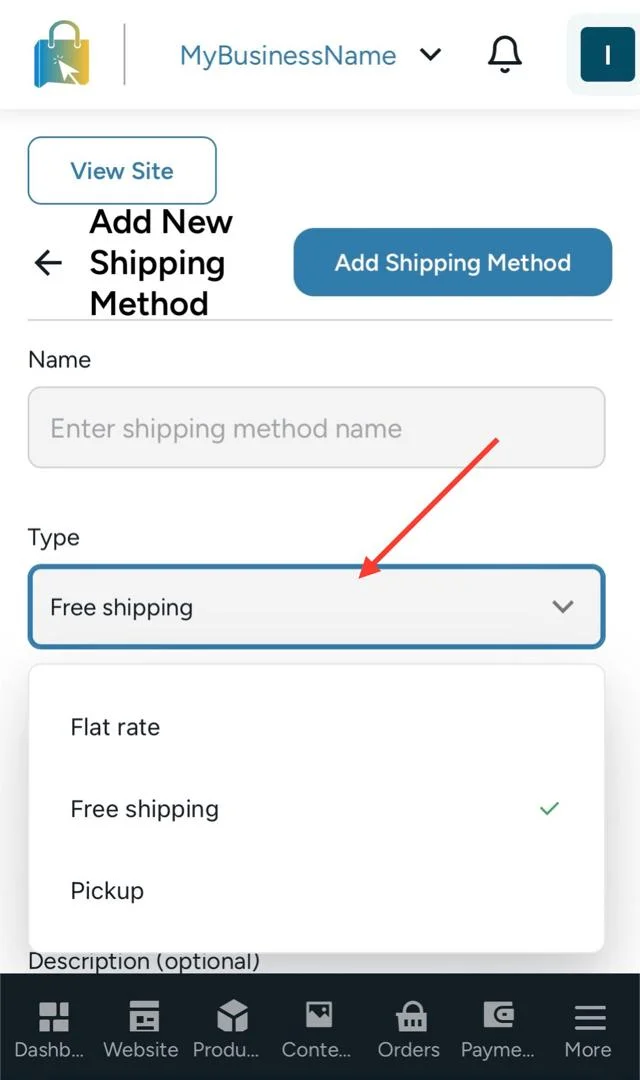
Create a method.
- Free
- Flat rate
- Pickup
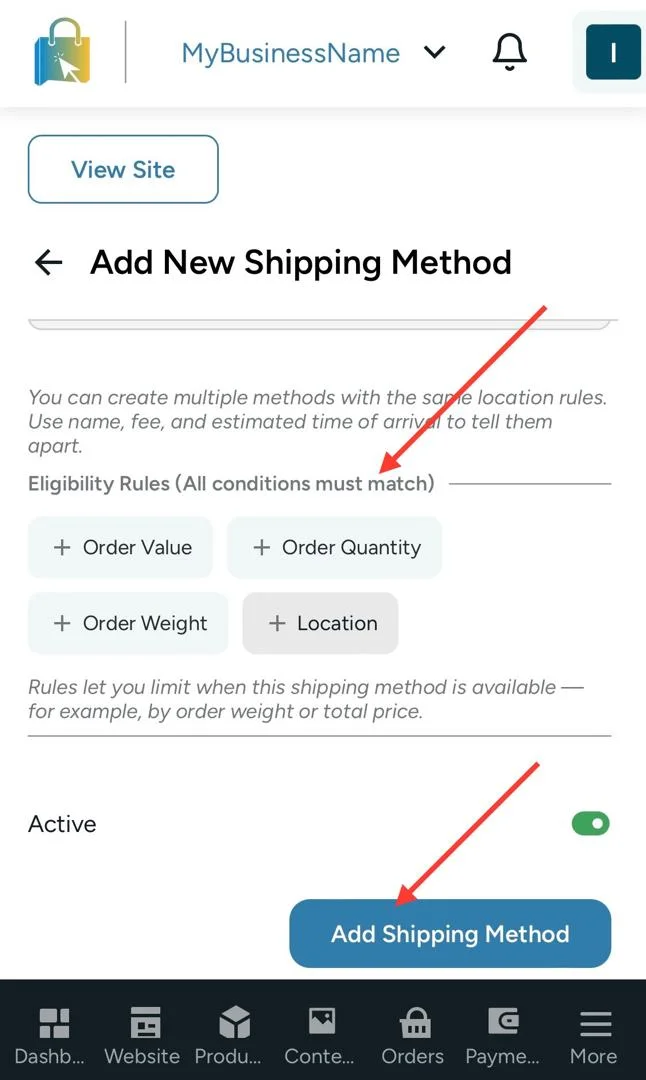
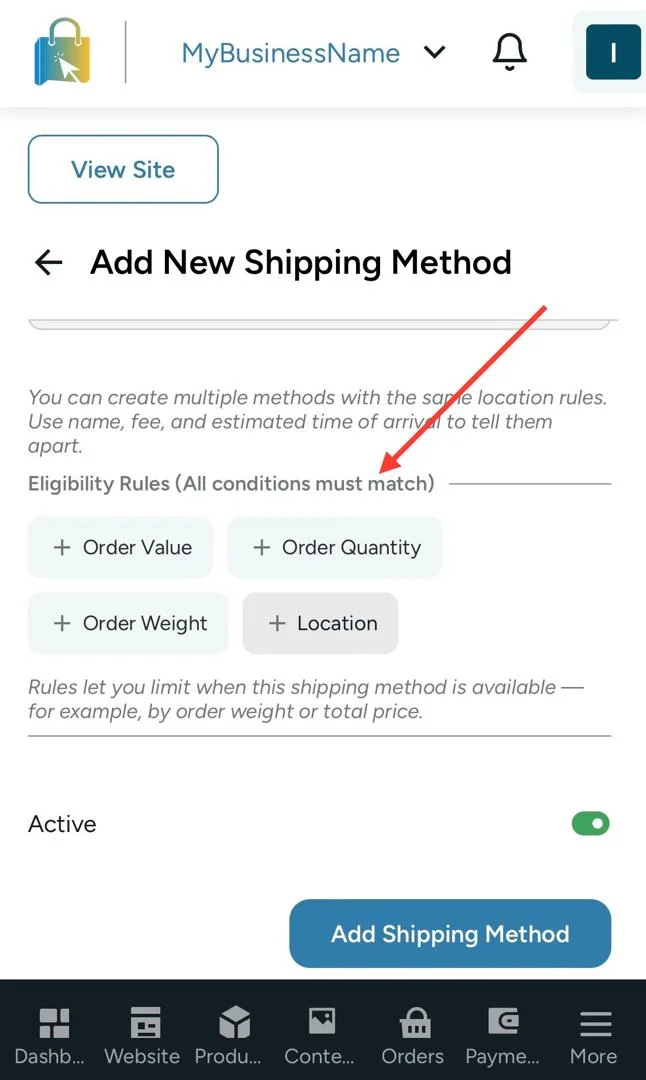
Configure delivery locations, weight limits, and optional delivery estimates.
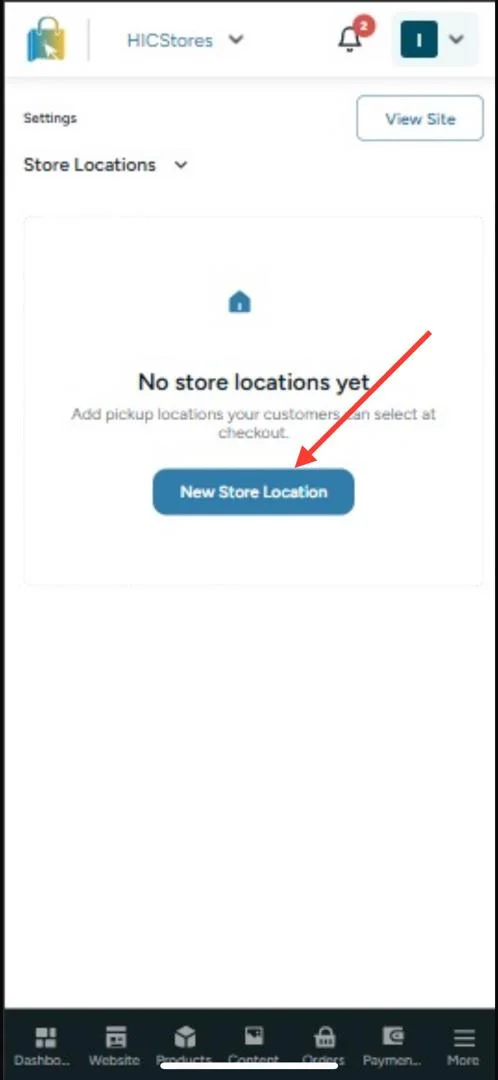
Add a pickup location under Settings → Store Locations, including address and ready-for-pickup time.
Save.